Schnelle Hilfe, wenn es darauf ankommt
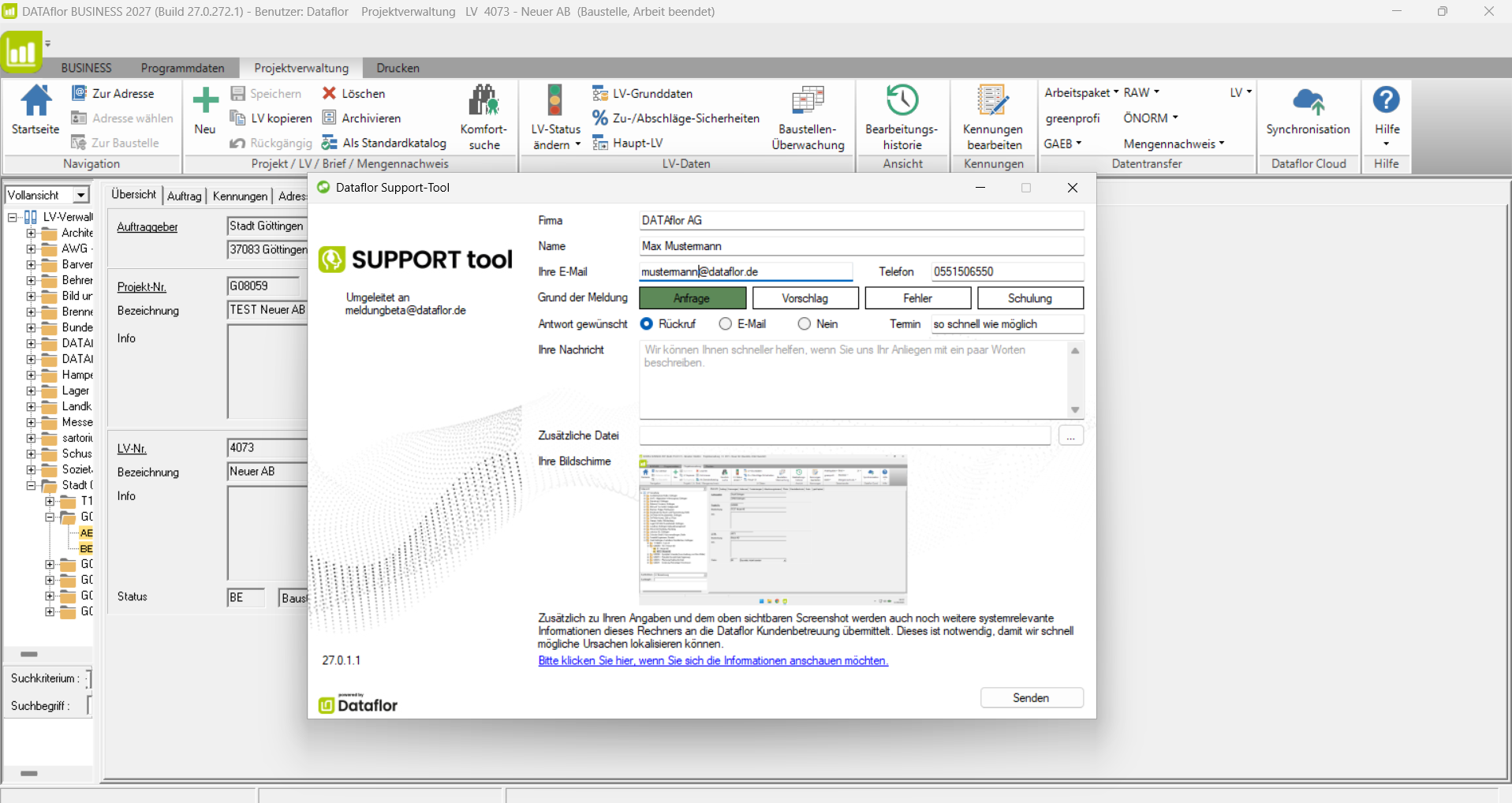
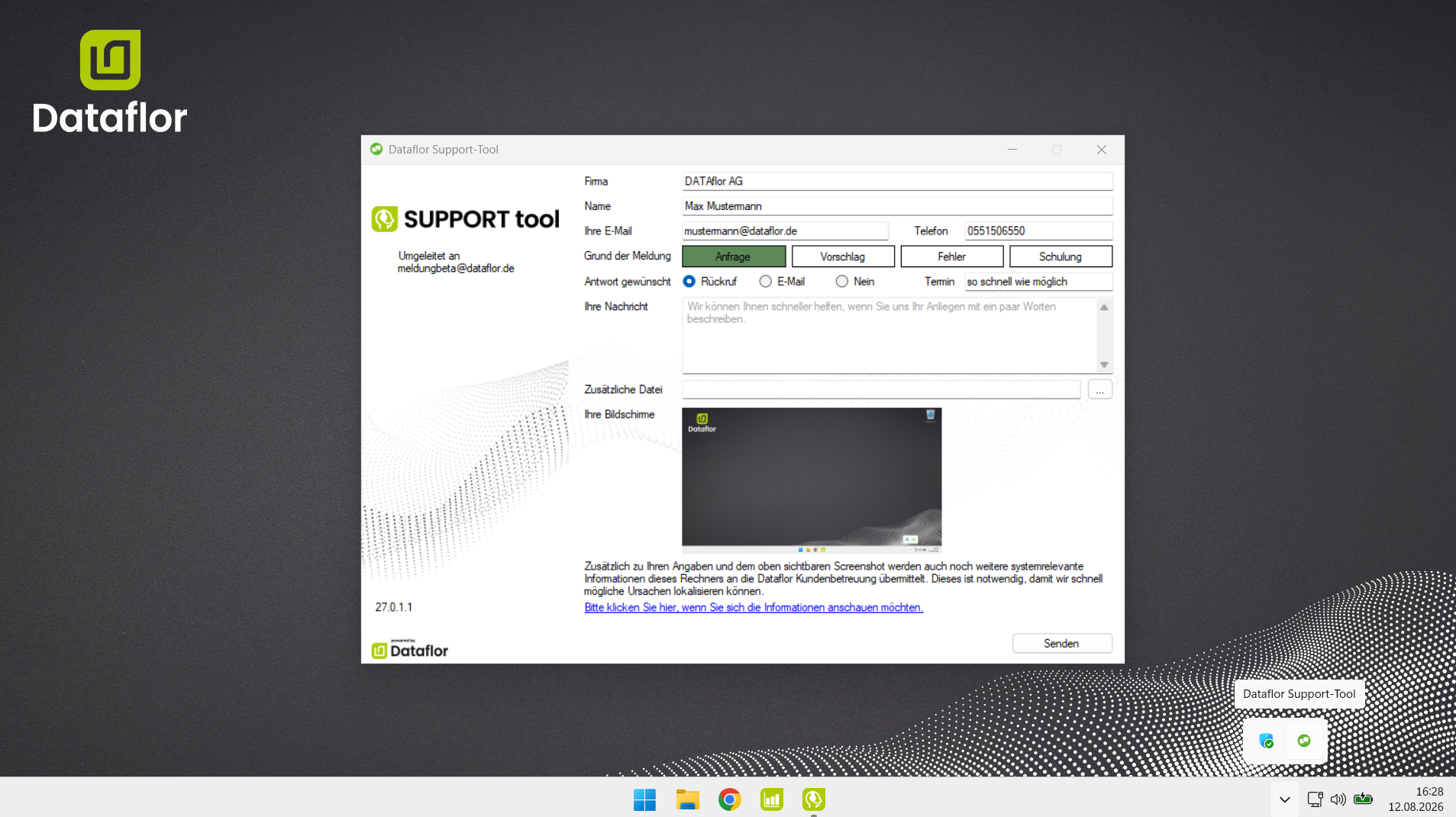
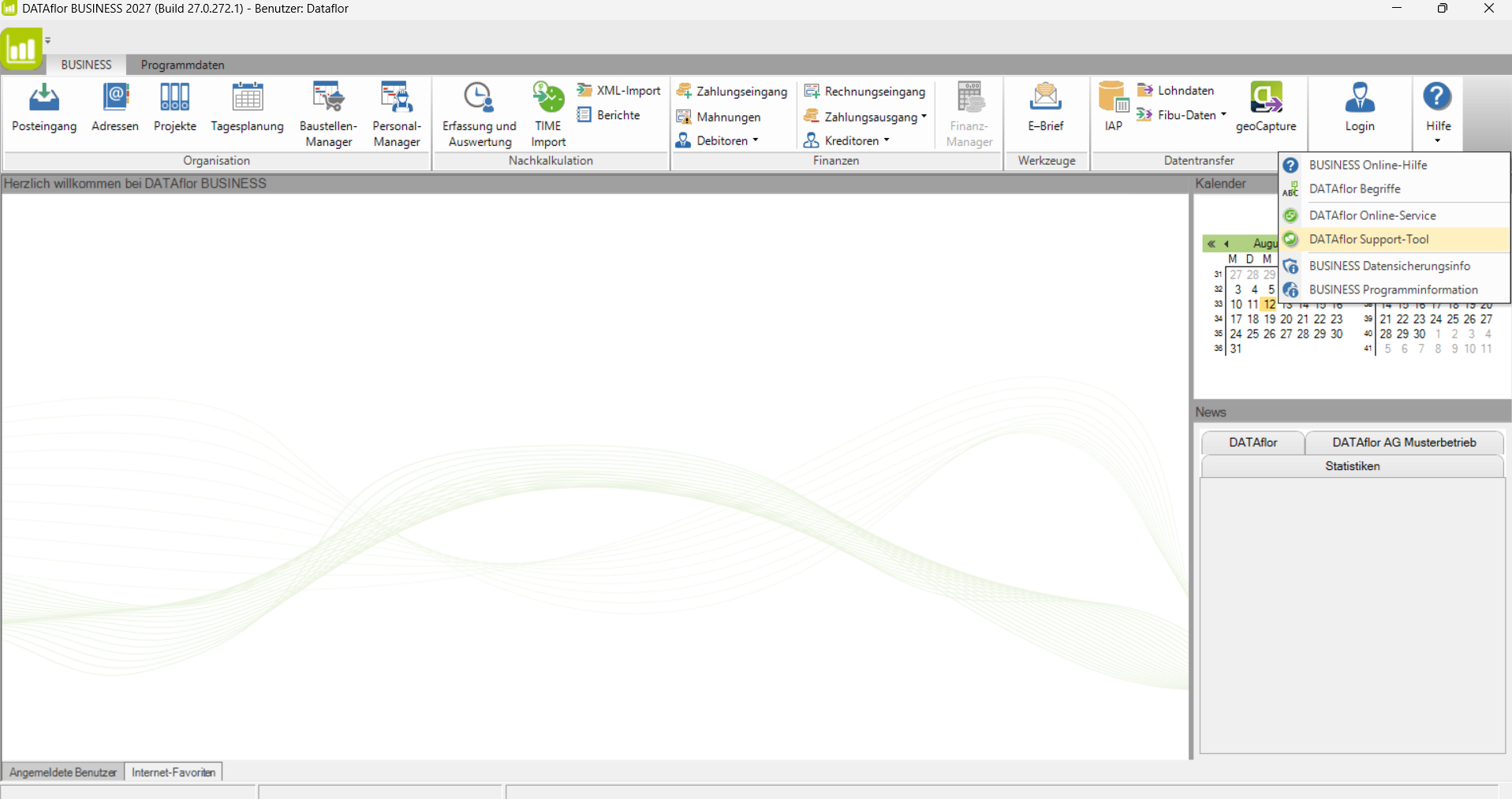
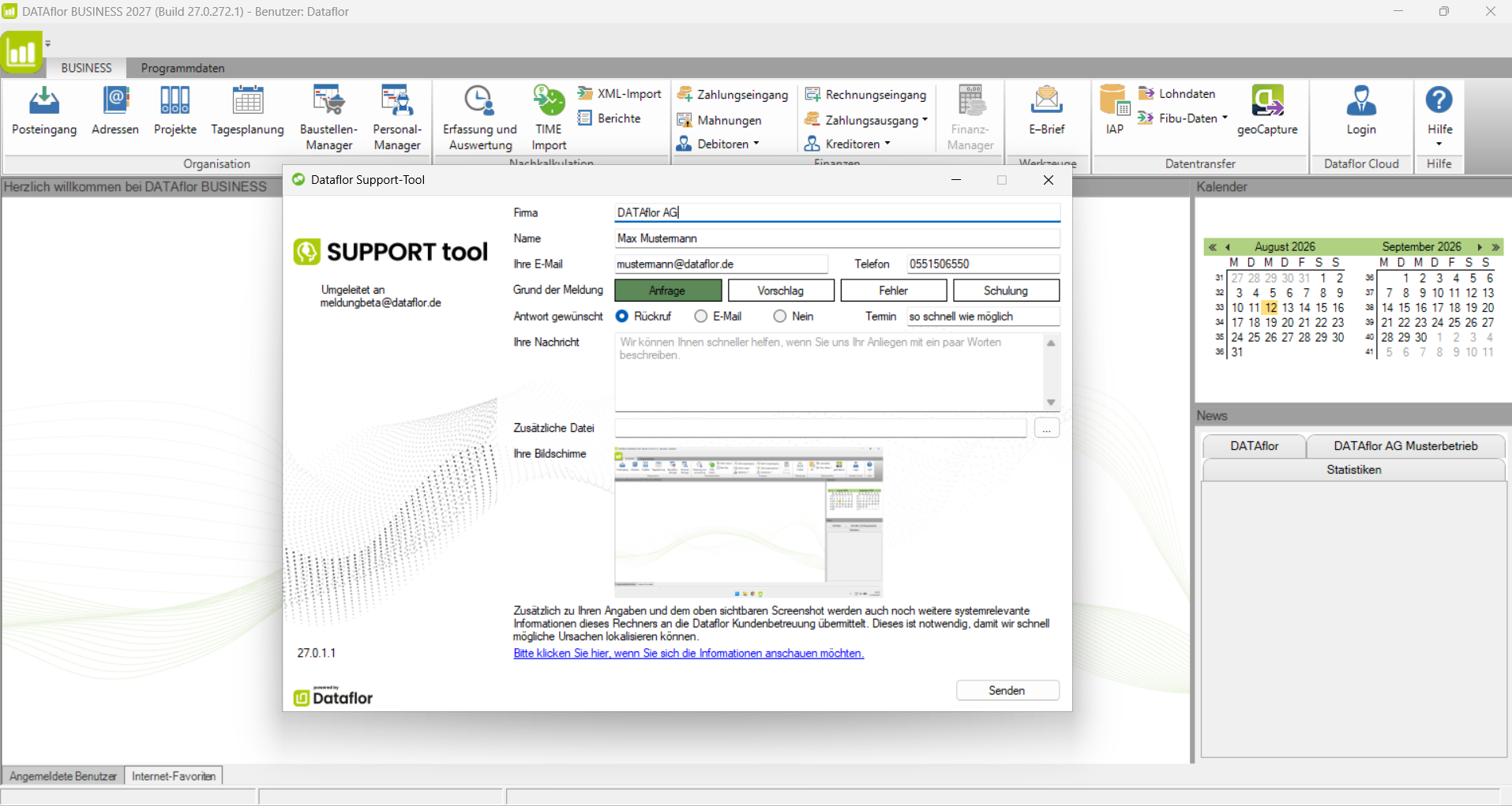
Mit dem Support-Tool nehmen Sie Kontakt zu unserem Support-Team auf. Ihre Anfrage wird zusammen mit einem Screenshot und relevanten Systeminformationen übermittelt, damit wir Ihr Anliegen direkt besser einordnen und schneller helfen können. Ihre Kontaktdaten geben Sie nur einmal ein. Danach sind sie bei jedem Start des Support-Tools automatisch vorausgefüllt. Das Support-Tool öffnet sich bei bestimmten Problemen automatisch, kann aber auch jederzeit manuell gestartet werden.

Support-Tool nicht installiert?
Falls das Support-Tool auf Ihrem System nicht installiert ist, können Sie es hier herunterladen.
Online Service
Schnelle Hilfe direkt auf Ihrem Bildschirm
Mit dem Online-Service kann unser Support-Team Sie schnell und bequem unterstützen – direkt auf Ihrem eigenen Bildschirm.
Bitte stellen Sie vorab eine Supportanfrage über das Dataflor Support-Tool. So liegen unserem Support-Team bereits die wichtigsten Informationen zu Ihrem Anliegen vor.

So funktioniert der Online-Service
1. Sie stehen bereits im telefonischen Kontakt mit unserem Support-Team.
2. Laden Sie die Fernwartungssoftware pcvisit herunter und führen Sie die Datei aus.
3. Tragen Sie die Fernwartungs-ID in den geöffneten Dialog ein.
Sicher verbunden. Persönlich unterstützt.
Während der Online-Sitzung begleitet Sie unser Support-Team Schritt für Schritt. So können Fragen direkt geklärt und Lösungen schnell umgesetzt werden.
Schnelle Online-Hilfe mit der Wissensdatenbank.
Welche Anforderungen muss Ihre Hard- und Software erfüllen?
Downloads
Alles Wichtige für Ihre Dataflor Software
Hier finden Sie aktuelle Downloads rund um Ihre Dataflor Software: Pflanzen- und Materialkataloge, LANDSKETCH Bibliotheken, Lizenz-Tools, Support-Tools und Informationen zu den Systemvoraussetzungen.